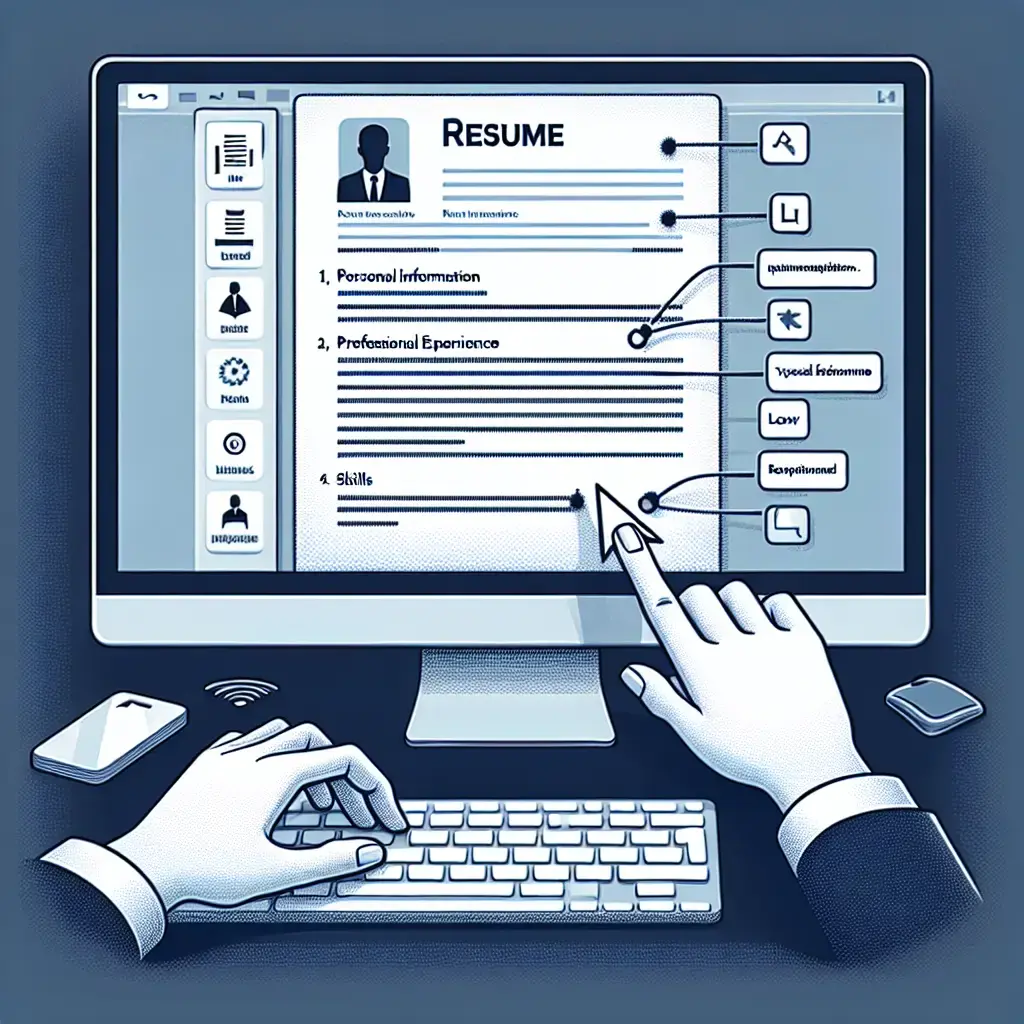
Crafting a professional resume is your first step toward landing that dream job.
Creating a resume can seem like a daunting task, especially if you’re entering the workforce for the first time or need to give your current resume a fresh look. Microsoft Word is an excellent tool for this, providing a variety of templates and customization options to help you present your skills and experience in the best possible light.
Getting Started with Microsoft Word
Microsoft Word offers several user-friendly templates specifically designed for creating resumes. These templates provide a structure that helps you organize your information clearly and professionally. Here’s how to make the most of them:
Choose a Template: Open Microsoft Word and navigate to the “File” menu. Select “New,” and in the search bar, type “resume.” You’ll find a collection of templates ranging from simple and elegant to more creative designs. Pick one that aligns with the industry you’re applying to.
Customize the Template: Once you’ve chosen your template, start customizing it with your personal information. Ensure your name and contact information are prominently displayed at the top of the page.
Focus on Key Sections: A professional resume should include several key sections:
- Objective or Summary: Briefly outline your career goals or provide a summary of your qualifications.
- Work Experience: List your previous jobs in reverse chronological order, emphasizing achievements and responsibilities.
- Education: Include your educational background, starting with the most recent.
- Skills: Highlight relevant skills that make you an ideal candidate for the position.
- Certifications or Awards: If applicable, mention any certifications or awards that add value to your application.
Tips for Creating a Professional Resume
Tailor Your Content: Customize your resume for each job application by including keywords from the job description. This can help you pass through Applicant Tracking Systems (ATS).
Keep it Concise: Ideally, your resume should not exceed one page unless you have extensive experience relevant to the job.
Use Action Verbs: Begin each bullet point under work experience with powerful action verbs like “achieved,” “developed,” or “managed” to clearly convey your accomplishments.
Ensure Readability: Use a clean, easy-to-read font such as Arial or Times New Roman. Ensure there is enough white space to make the document pleasing to the eye.
Proofread Thoroughly: Spelling and grammatical errors can be detrimental to your application. Double-check for mistakes or have someone else review your resume before sending it out.
By following these guidelines, you can create a resume that effectively showcases your skills and experience, giving you a competitive edge in the job market.
Final Thoughts
In today’s competitive job environment, having a well-crafted resume is essential to standing out among applicants. With Microsoft Word's flexible tools and templates, you can create a polished document that captures your professional essence. Remember, your resume is more than just a list of jobs; it’s a reflection of who you are as a professional.
Happy job hunting! May your next career opportunity be just around the corner.
For more detailed guidance on crafting resumes using Microsoft Word, check out this article.
Author: Emily Hawthorne